Google Play Gift Card Guide
Redeem verified FreeGiftZone points for an official Google Play digital gift card code. Its value is added to your Google Play balance without transaction fees, and the balance does not expire.
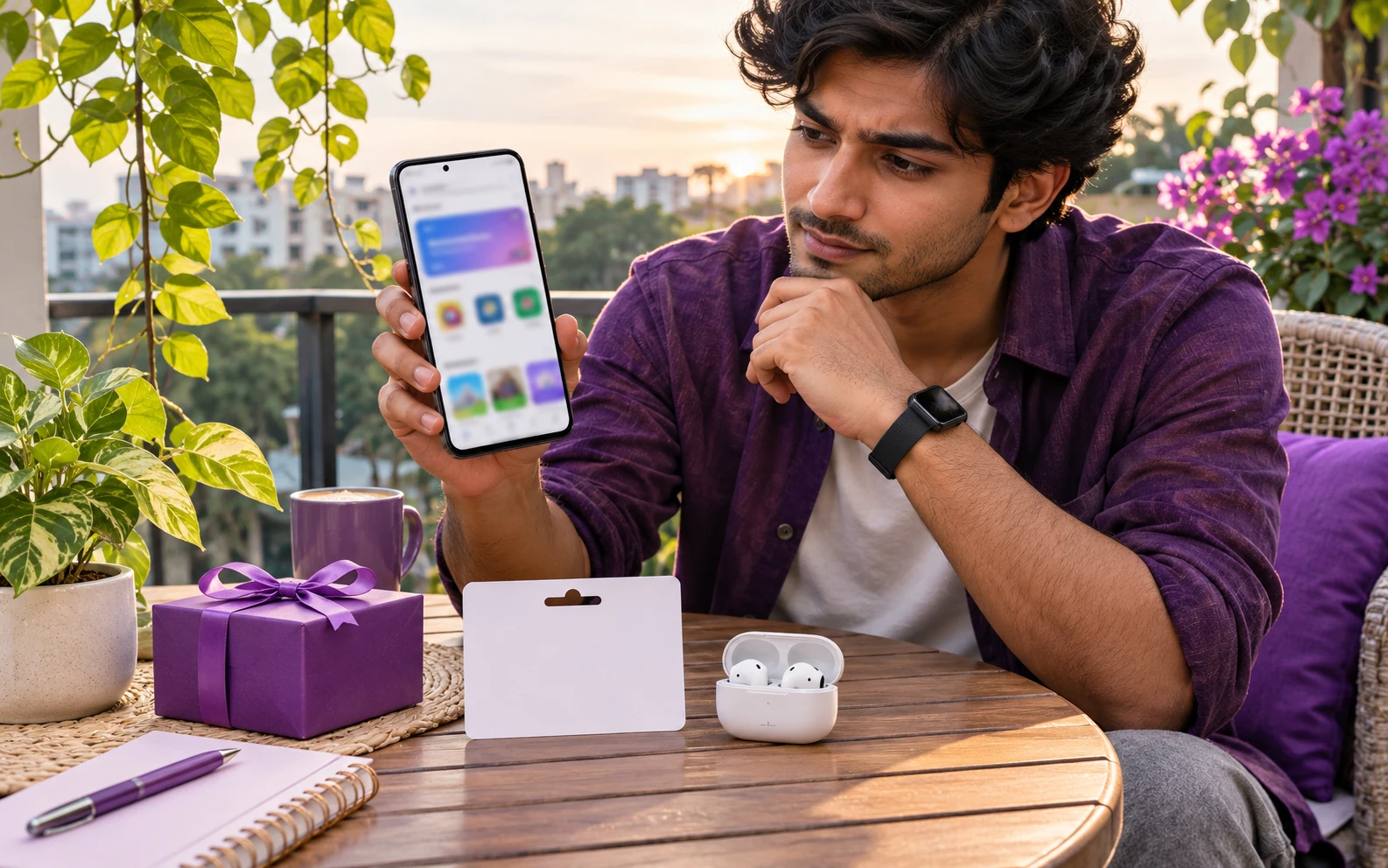
A digital store page and an unbranded gift card in one view.
Try a Google Play Points Example
Example assumption only: 100 points = $1 USD in this display. FreeGiftZone does not currently offer live points or gift card redemption.
Planning Example Only: These values are not current FreeGiftZone reward offers, point prices, or code availability. The task and game pages currently show samples, and live reward screens are disconnected.
Redeem a Google Play Code
Obtain Verified Code
Upon passing the standard security review, reveal your 16-character Google Play digital gift code in your FreeGiftZone account dashboard.
Never share your unredeemed code with unverified third parties.
Open Google Play Store
On your Android device, open the Google Play Store app and tap your profile icon at top right. Alternatively, visit play.google.com/redeem on your desktop browser.
Ensure you are signed into the Google Payments profile corresponding to your primary country.
Enter Code & Confirm
Select "Payments & Subscriptions" > "Redeem code". Carefully type the 16-character alphanumeric code without extra spaces and tap Redeem.
Google Play codes are not case-sensitive, but watch out for similar characters like 0 (zero) and O.
Balance Available Immediately
Review the credited amount and confirm account destination. The funds will immediately increase your Google Play balance for in-app purchases, games, and subscriptions.
Google Play balances do not expire and require no maintenance fees.
Check the Rules for Google Play
Gift card rules depend on the issuer and country. Check the card and its official terms before redeeming.
United States (USD) (USD $).
Google Account with US Payments Profile and residential US home address.
Google Play Gift Cards are strictly country-locked. A USD gift card can only be redeemed on a Google account whose Payments Profile country is configured to the United States. Cross-currency conversion is not supported by Google.
Do NOT attempt to use VPNs or proxies to bypass country restrictions. Google utilizes advanced heuristic fraud detection that will flag and lock your Google Payments account permanently with error PRS-PGC-02 if geographic anomalies are detected. Read our Google Play country guide for more detail.
Rules to Confirm
- Digital code valid exclusively for Google Play balance redemption in the United States storefront.
- Cannot be used to purchase hardware on the Google Store (e.g., Pixel phones or Nest devices).
- Cannot be redeemed for cash, refunded, or transferred across Google accounts once credited.
- Applicable toward in-app purchases, paid games, movie rentals, Google One cloud subscriptions, and YouTube Premium memberships where permitted by Google billing terms.
Common Google Play Code Problems
| Message or symptom | What to check | Next step |
|---|---|---|
| PRS-PGC-02 Need More Info to Redeem Gift Card | Google automated fraud screening detected a mismatched IP address, commercial VPN, or suspicious transaction pattern during redemption. | Disconnect all VPNs and submit Google’s official verification form at support.google.com/googleplay/answer/3422659 with your proof of voucher. |
| ERR-COUNTRY-MISMATCH Code Cannot Be Redeemed in Your Country | Attempting to redeem a USD-denominated card on a Google account whose Payments Profile country is outside the United States. | Check your Google Payments profile settings at pay.google.com. You must possess a legitimate United States billing profile matching the card currency. |
| ERR-ALREADY-REDEEMED This Code Has Already Been Redeemed | The 16-character code was previously credited to your account or another Google account in your household. | Review your Google Play purchase history under Payments & Subscriptions > Budget & History to verify whether the credit was already applied. |
| ERR-INVALID-FORMAT Check Your Code and Try Again | Typographical error during character input, confusing 0 with O, 1 with I, or 8 with B. | Double-check character spacing and copy directly from your FreeGiftZone account dashboard without trailing spaces. |
Related Guides
Frequently Asked Questions: Google Play Rewards
Do Google Play gift cards expire?
No. Under US federal law (CARD Act), Google Play gift card funds do not expire, and Google does not assess inactivity or maintenance fees on gift card balances.
Can I use a Google Play gift card to buy physical devices like a Google Pixel phone?
No. Google Play balances can only be spent on digital content (apps, games, movies, books, and digital subscriptions). Hardware purchases on GoogleStore.com require separate payment methods.
Can I redeem a US Google Play gift card in another country with a VPN?
No. FreeGiftZone strictly prohibits VPN usage, and Google’s automated fraud detection flags VPN IPs with the PRS-PGC-02 error, which permanently freezes the card until identity verification is completed.