Amazon Gift Card Guide
Exchange approved FreeGiftZone rewards for genuine Amazon.com gift card claim codes. When redeemed, the funds are added to your Amazon account balance immediately and do not expire.
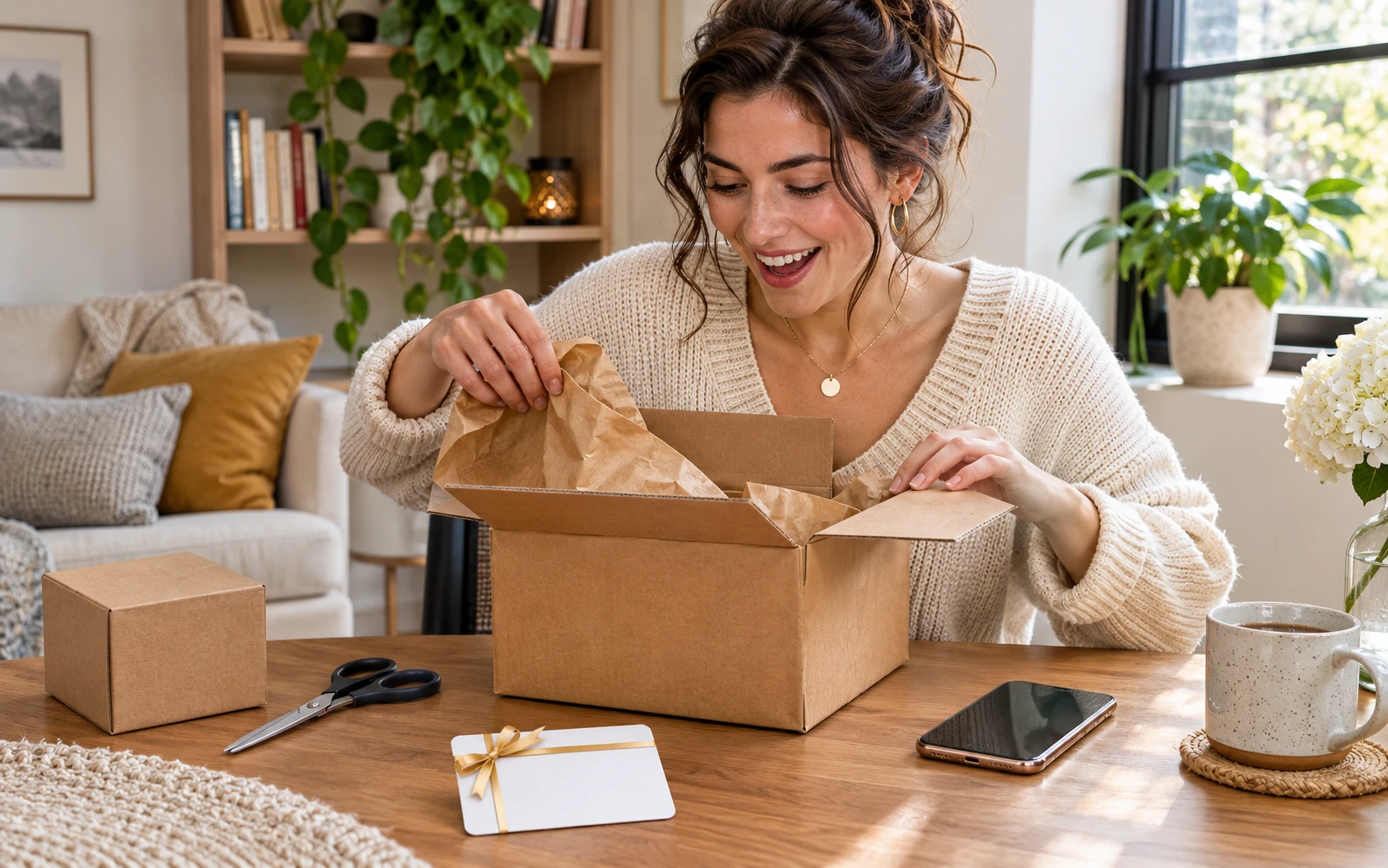
Review the gift card and account details before shopping.
Try a Amazon Points Example
Example assumption only: 100 points = $1 USD in this display. FreeGiftZone does not currently offer live points or gift card redemption.
Planning Example Only: These values are not current FreeGiftZone reward offers, point prices, or code availability. The task and game pages currently show samples, and live reward screens are disconnected.
Redeem a Amazon Code
Locate Your Claim Code
Retrieve your 14 or 15-character alphanumeric Amazon Claim Code from your FreeGiftZone account dashboard.
Amazon gift card claim codes contain hyphens; you can paste the entire string directly.
Navigate to Amazon Redemption Portal
Visit amazon.com/gc/redeem in your desktop browser, or in the Amazon mobile app go to Menu > Your Account > Manage Gift Card Balance > Redeem another Gift Card.
Verify that your browser address bar displays the official https://www.amazon.com domain.
Apply to Your Balance
Enter your Claim Code into the text box and click "Apply to your balance". The funds will instantly credit to your available gift card balance.
Once redeemed, the funds remain in your Amazon account indefinitely until spent.
Spend at Checkout
Your gift card balance will be automatically applied as the primary payment method on your next eligible purchase on Amazon.com.
Remember that state and local sales taxes are calculated at checkout; plan your purchases accordingly.
Check the Rules for Amazon
Gift card rules depend on the issuer and country. Check the card and its official terms before redeeming.
United States (USD) (USD $).
Amazon.com consumer account registered with a valid US shipping address.
Amazon maintains discrete national marketplace wallets. Gift cards purchased in USD can only be redeemed and spent on Amazon.com (US). They cannot be applied to Amazon.co.uk (UK), Amazon.in (India), Amazon.ca (Canada), or other regional Amazon domains.
Amazon security scans IP addresses during high-velocity redemptions. Using proxies or datacenter VPNs may trigger automated fraud reviews on newly registered accounts.
Rules to Confirm
- Valid exclusively on Amazon.com for millions of eligible items shipped to supported addresses.
- Cannot be used to purchase other Amazon gift cards, third-party gift cards, or collectible coins.
- Amazon gift cards cannot be transferred to another Amazon account once redeemed into your wallet.
- Gift card funds cannot be redeemed for cash or refunded except where required by applicable state law.
Common Amazon Code Problems
| Message or symptom | What to check | Next step |
|---|---|---|
| AMZ-CLAIM-INVALID Claim Code Not Valid | Character transposition or typo during manual code entry, such as confusing the number "1" with uppercase "I", or "0" with "O". | Copy the claim code directly from your FreeGiftZone account and paste it into the redemption box to avoid character misreads. |
| AMZ-ALREADY-CLAIMED Gift Card Already Redeemed | The claim code was already added to your Amazon account balance or another account associated with your household. | Check your Gift Card Activity history at amazon.com/gc/balance. If already applied, the funds are available for your next order. |
| AMZ-DOMAIN-MISMATCH Gift Card Currency Mismatch | Attempting to redeem a USD claim code on an international Amazon domain (e.g., amazon.ca, amazon.co.uk, or amazon.de). | Switch to the US store at https://www.amazon.com. Amazon balances are tied to the specific issuing national marketplace. |
| AMZ-VELOCITY-HOLD Account Under Security Review | Multiple high-value cards redeemed in rapid succession on an account with newly changed credentials or IP anomaly. | Wait 2 hours before re-attempting or contact Amazon Customer Support to verify your account identity. |
Related Guides
Frequently Asked Questions: Amazon Rewards
Can I use an Amazon gift card to purchase an Amazon Prime membership?
Yes! Your Amazon gift card balance can be used to pay for monthly or annual Amazon Prime membership renewals, provided your account has a backup payment card on file.
Can I use my Amazon.com gift card on Amazon Canada or Amazon UK?
No. Amazon gift cards are strictly restricted to the specific country marketplace where they were purchased. USD cards can only be redeemed on Amazon.com.
What is the minimum points threshold to redeem an Amazon card on FreeGiftZone?
Our lowest Amazon card tier is $5.00, requiring just 500 confirmed activity points. You can easily reach this with 1-2 mobile game milestones or brief surveys.