Google Play Gift Card Country Error (PRS-PGC-02): Root Causes, Payment Profiles, and Legitimate Fixes
Entering a foreign Google Play gift card and seeing PRS-PGC-02 or “Gift cards can only be used in the country where they were purchased” is a frustrating barrier. Google enforces country and currency boundaries at redemption, and a proxy can turn a mismatch into a security review. This guide explains the profile, storefront, network, and device checks involved, then follows the legitimate steps for a country conflict.
Start with the purchase country, account profile, and currency before retrying a code.
Quick Answer
Google Play gift cards are legally geofenced prepaid instruments locked to the specific currency and domestic jurisdiction where they were issued. Attempting to redeem a foreign currency card triggers PRS-PGC-02 or country mismatch errors because your active Google Payments profile country does not match the voucher.
- •Never use a virtual private network or commercial proxy to force redemption, as this trips fraud detection checks and permanently locks the card.
- •Audit your active billing profile at pay.google.com to verify your registered country and currency settings.
- •Be aware that Google Play Store country settings can only be altered once every 365 days with verified local payment methods.
- •Submit the official Google verification form only if you possess the original retail sales slip and matching identification.
Why Google Play gift cards are country locked
Unlike a credit or debit card that can convert currency during checkout, Google Play gift cards are closed loop stored value instruments. Under Section 2 of the Google Play Terms of Service, a card can be redeemed only into a Google Payments profile configured for the country and domestic currency printed on the voucher.
Separate legal issuers
Google operates through separate legal entities in different markets. In the United States, gift cards are issued by Google Payment Corp. In the European Economic Area, they are managed by Google Commerce Limited. In India, they are governed by Google India Digital Services under Reserve Bank of India prepaid payment guidelines. Those entities cannot combine consumer balances across sovereign jurisdictions without violating international banking treaties.
No foreign exchange at redemption
Google Play is a digital storefront rather than a foreign exchange bureau. When a twenty five dollar United States card is redeemed, Google’s accounting ledger records twenty five United States dollars. The platform does not automatically convert that amount into British pounds, euros, or Japanese yen during redemption.
Prepaid access and anti money laundering controls
Financial regulators, including the Financial Crimes Enforcement Network in the United States and the European Banking Authority, oversee prepaid access instruments. Cross border movement of untraceable digital stored value presents money laundering risks. Google geofences Play balances to their originating market to meet statutory know your customer directives.
How Google checks location and account details
Changing a device clock or connecting through an internet tunnel does not make a foreign voucher local. During a redemption request, Google uses a four layer verification stack:
- Google Payments profile. The profile at
pay.google.comstores the legal domestic address, tax jurisdiction, and billing currency. A profile set to Germany in euros cannot accept a United States dollar code. - Play Storefront country. The account and device preferences in the Play Store control regional app catalog licensing and prices.
- Autonomous System Number and Internet Protocol address signals. Google compares the request address with commercial hosting databases. A known datacenter or proxy address can block redemption.
- Physical Android device telemetry. Android can transmit Mobile Country Codes and Mobile Network Codes from the physical SIM, together with nearby Wi Fi network BSSID signals. Routing browser traffic through an encrypted tunnel does not change the cellular tower data broadcast by the SIM.
First identify which country problem you have
Google Play has one set of rules for redeeming a gift card and another for spending a balance that is already in an account. The wording on the screen usually tells you which one to check. A code that names a country is usually about redemption, while a message that says a balance can only be used in a country is about where that balance was redeemed.
Google says a Play gift card can be redeemed only in the country where it was purchased, and the card currency must match the payment profile settings. A person who is traveling may need to wait until returning to that country. Changing a store setting while still abroad does not change where the gift card was sold.
| What happened | Where to start |
|---|---|
| The code cannot be redeemed | Compare the purchase country, your current location, the Play country, and the card currency. |
| A redeemed balance cannot be spent while traveling | Google says Play balance must be used in the country where the card or promotion was redeemed. |
| You have moved to another country | Review Google’s country change rules before setting up a new Play country and payment method. |
| The message asks for more information | Use Google’s gift card verification form and provide only the documents it requests. |
Use the message on screen to choose the next step
When Google Play says a code can only be used in a named country, start with the physical purchase location and the card currency. If you bought the code in that country but are currently abroad, Google’s help says to try again after you return. The restriction is tied to the country of purchase, so a different browser or internet connection cannot convert it into a local card.
If the code was already redeemed, signing in to the account that received the balance is the first check. Google says it cannot disclose which account redeemed a code, so ask anyone who had access to the card whether they used it. A redeemed code cannot be entered again, even if you are now using another device.
A “need more information” message has its own official route. Google directs customers to submit a form with the required documents so its team can investigate. That is different from changing a Play country, and no public help page promises that a country change will clear an account review.
Decode the Google Play error before changing settings
Similar looking messages can point to a risk review, a country mismatch, a code already added to another account, or a retail activation delay. Match the exact notice before choosing a fix.
| Error Code | Exact On Screen Notice | Underlying Cause | Policy Compliant Fix |
|---|---|---|---|
| PRS-PGC-02 | “Need more info to redeem your gift card. Send us details.” | Automated risk heuristic triggered by proxy detection, location anomaly, or redemption velocity. | Disconnect proxies and submit Google’s verification form with the original cash register receipt. |
| ERR-COUNTRY-MISMATCH | “Gift cards can only be used in the country where they were purchased.” | The active Google Payments profile country does not match the voucher currency. | Check the profile at pay.google.com and align it with the voucher’s issuing region. |
| PRS-GCR-01 | “This code has already been redeemed.” | The 16 character code was previously credited to another Google Account. | Review household Google Play purchase history at play.google.com/store/account/orderhistory. |
| BM-RGCH-06 | “We need more information to redeem your gift card.” | Point of sale activation failure or a distributor batch delay. | Allow 24 hours for distributor batch synchronization, or return to the retailer with the register receipt. |
Why proxies can lock a gift card
Advice to use an encrypted tunnel to cross a Google Play country boundary can put the voucher and account at risk. Commercial proxy exit nodes often sit in enterprise hosting facilities such as DigitalOcean, M247, Choopa, and Amazon Web Services. Google’s fraud detection system tracks autonomous system numbers associated with those hosts. A request from a datacenter address instead of a residential provider such as Comcast, AT&T, or Spectrum can receive the highest risk score.
When the score crosses its security threshold, Google marks the card PRS-PGC-02, or “Need more info.” The code is frozen and cannot be redeemed on another device or in another country until Google Trust and Safety completes a manual compliance investigation.
To unlock a card flagged with PRS-PGC-02, Google requires a clear photograph of the original cash register receipt from an authorized retailer. It must show the store location, purchase date and time, and transaction number matching the card serial code. If a digital card came from an online incentive platform, online giveaway, or voucher email, the owner may not have that paper receipt and the voucher balance may be permanently forfeited.
Integrity Editor Sonu emphasizes that FreeGiftZone maintains a strict editorial ban on proxy circumvention. We do not advise readers to manipulate network identity; use the legitimate, policy compliant process to protect account standing.
Update a Google Payments profile for a legitimate move
For an expatriate, student studying abroad, dual resident, or international traveler with domestic billing instruments, the lawful resolution is to check and configure the Google Payments profile that matches the voucher’s issuing country.
- Open
pay.google.comin a desktop browser and sign in to the primary Google Account. - Select Settings and inspect the country or region under Payments profile.
- Google allows legitimate international consumers to maintain separate payments profiles for different countries. If the active profile is set to the United Kingdom in pounds while the voucher is in United States dollars, choose the profile controls and create a new profile.
- Select the country that matches the gift card currency. Enter a valid domestic residential address in the country where you legally reside or receive mail.
- Do not enter a fabricated name or fictitious postal code. Google can cross reference postal databases and may request government identification for tax compliance.
The 365 day Play Store country switch rule
In the Android Play Store under General, Account and device preferences, and Country and profiles, the storefront country can be changed only once every 365 days, or twelve full calendar months. Consider the consequences before selecting a new country.
- Existing Google Play balance in the previous currency does not transfer and cannot be spent while the account is set to the new country.
- You need an accepted local payment method issued by a bank in the destination country, such as a local credit card, debit card, or verified domestic PayPal account.
- Family group sharing may be disrupted.
- Local subscription pricing and regional app availability may be disrupted.
International users and digital nomads who need access to another jurisdiction can maintain a dedicated secondary Google Account for that foreign market. This keeps the primary personal account tied to the home country while secondary apps and digital credits work in the other region.
If the countries match but the code still fails
A regional message is not the only reason a code can fail. Check that you are signed in to the intended Google Account, scan the physical card if the code is hard to read, and enter a typed code without spaces or dashes. Google also notes that some physical cards need the retailer to activate them at checkout, and Google cannot activate a card on the retailer’s behalf.
If the retailer confirms activation but Google still will not accept the code, use the official Google Play support route. Keep the receipt and card available in case the form asks for purchase proof. Do not upload those documents to an address from a forum post or give the code to someone who offers to redeem it for you.
For an error about the country or the balance, Google’s help page provides a form for people who are sure they are in the correct country. For an “already redeemed” message, check the Google Account used for redemption and any person who could have accessed the code. Matching the support request to the exact message avoids sending a country change request for a retailer activation issue.
Submit Google’s gift card verification form
If the card was bought legitimately at retail and PRS-PGC-02 appeared during travel, submit an appeal through Google’s official support route at support.google.com/googleplay/answer/3422659 or support.google.com/googleplay/contact/play_giftcard.
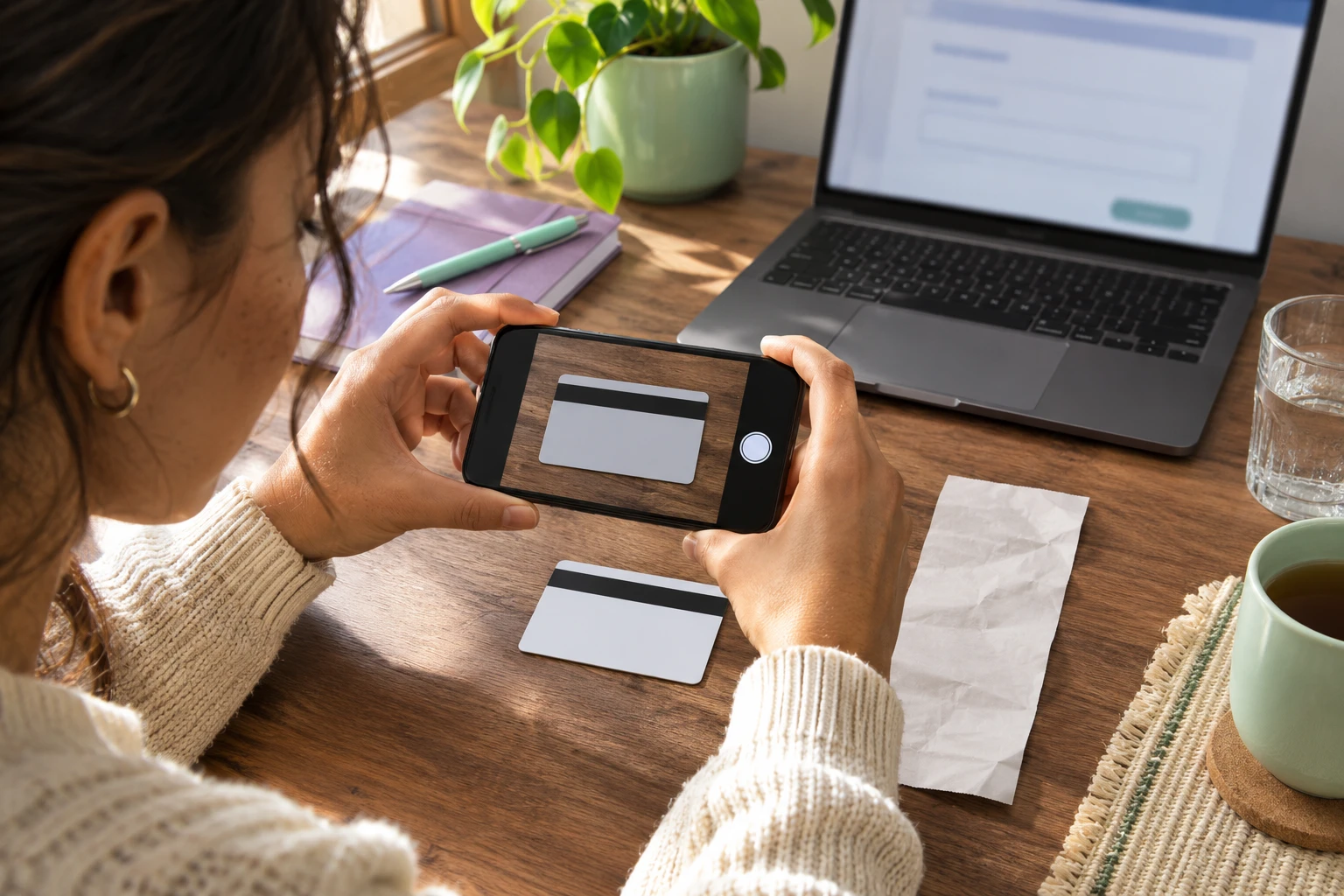
Prepare the following material before sending the form:
- A high resolution photograph of the physical card back with the full serial number.
- A clear photograph of the retailer’s paper cash register receipt showing the store address, purchase date, time, and register number.
- A written description of where and when the card was obtained.
- Use only Google’s official appeal form; do not send the card code or receipt to an unofficial “unlock” service.
Google compliance review requires two to five business days. Do not submit duplicate tickets because they reset your place in the review queue.
Do not try to disguise the country mismatch
A virtual private network or a borrowed billing address does not change where a gift card was sold or where you currently live. Google’s published guidance asks for the card country, your location, and the payment profile currency to line up. Trying to make those details look different adds uncertainty to a support request without creating a legitimate route to redeem a foreign card.
If you bought a code for a country you do not live in, return to the seller or the person who gave it to you and ask what options they can offer. Do not post an unused code publicly or send it to an unofficial “unlock” service. Once another person redeems it, Google says the same code cannot be used again.
Safe alternatives when the code cannot be redeemed
If a Google Play card is denominated in a foreign currency and you cannot legitimately create a domestic billing profile in that jurisdiction, do not force redemption. Consider these policy compliant options:
- Regift the digital code to a family member, gaming friend, or colleague who legitimately lives in the issuing country.
- Read the guide to collecting domestic Google Play balances and compare gift cards with direct promotional codes.
- Review the Google Play Reward Hub for regional notices and use the Reward Points Calculator to plan around the cards available in your domestic market.
- For another brand’s redemption error, read the Universal Gift Card Code Not Working guide.
Check the region before choosing a reward
Before choosing a Google Play reward, compare its currency and country with the Google Account where you plan to use it. FreeGiftZone keeps a Google Play reward guide with redemption and regional information, and Google’s own help page remains the source for the current account rules. A matching currency alone does not change the location requirement.
The safest decision is usually a simple one: if you are traveling, wait until you return; if you have moved, follow Google’s country change process and check what happens to your old balance; if the location and profile already match, send the exact error through Google’s official form. A country error is resolved by checking those records, not by trying several network settings until one happens to work.
Monu
Specialist in mobile offerwall telemetry, Server-to-Server (S2S) postbacks, and physical device test lab audits across iOS and Android hardware.
Sonu
Veteran in anti-fraud heuristics, merchant terms of service, CARD Act gift card regulations, and platform-wide zero-VPN editorial policies.
4-Eye Review Standard: Every guide is cross-examined against primary brand documentation and physical device tests before publication.
Our Editorial PolicyOfficial Sources and Citations
FreeGiftZone maintains a strict editorial standard. Every technical mechanism, attribution parameter, and policy referenced in this guide is cross-verified against primary platform documentation and developer frameworks.
Google Play Gift Card & Prepaid Balance Terms
Primary legal agreement defining rules that prevent redemption across borders, currency denomination locks, and resale restrictions.
Fix Issues with Google Play Gift Cards and Promotional Codes
Official troubleshooting instructions for error codes PRS-PGC-02, PRS-GCR-01, and the compliance verification submission portal.
Manage Your Google Payments Profile & Regional Country Settings
Guidance for creating, switching, and closing regional Google Payments profiles.
Prepaid Access Final Rule (31 CFR Parts 1010 and 1022)
Federal statutory frameworks establishing money laundering rules and geographic boundaries for digital stored value cards.