Game Rewards Not Tracking: Fix Missing Installs and Milestones
Reaching Level 50 in a sponsored role playing game only to find that the offerwall never recorded the milestone is a frustrating gap. Install attribution and later game event telemetry use separate steps, which explains why a campaign may recognize the download but miss level progress. This guide follows both records, covers the operating system settings and network conditions that can interrupt them, and lays out a five point check before you download a sponsored game.

Compare the offer status with the game milestone before changing settings.
Quick Answer
Game rewards fail to track when the initial app install attributes correctly but subsequent milestone events drop because of operating system privacy toggles, offline play, or background sync termination. Always enable tracking permissions and keep an uninterrupted internet connection during key milestones.
- •On iOS, tap Allow when the App Tracking Transparency prompt asks permission to track activity.
- •On Android, verify that Google Play Services Advertising ID is enabled and not zeroed out.
- •Never play through milestone levels while in airplane mode or on unstable public networks.
- •Run the five point check before downloading a sponsored game campaign.
Find the last checkpoint that appeared
Write down what the offer wall shows before changing anything on the phone. An offer that is absent, an install that is unconfirmed, and a later milestone that is missing are three different starting points. The provider can investigate more directly when your request names the last visible step rather than saying only that the game did not track.
Open the offer details and check the advertised game, the qualifying country, the deadline, and whether the task is limited to new players. Then compare the exact milestone text with the screen inside the game. “Reach level 12,” “finish chapter 12,” and “upgrade the town hall to level 12” describe different actions even when they use the same number.
| Offer wall record | What to compare |
|---|---|
| No offer listed | Check whether you opened the game from the offer link and whether the offer was available for your device and country. |
| Offer listed, install not confirmed | Check the stated new player rule, the store used to download the game, and the account that opened it. |
| Install recorded, later goal missing | Compare the exact goal and completion deadline with your game screen, then save both records. |
| Goal shows pending or under review | Read the offer wall message and wait only for the timing that provider gives for this task. |
Do not uninstall the game to make the offer start over. An uninstall can remove local progress or change the history that support is trying to understand, and it cannot make an earlier install become a new one. Save the current game profile and offer history first.
An installation and a game milestone are separate records
A phone can install an app successfully without the game offer showing every later objective. On Android, Google Play provides developers with an Install Referrer application programming interface. It can return the referral link and timestamps for the referral click and installation, which helps an app connect a download to a campaign when the developer has set up that process.
That information belongs to the app and its campaign systems; it is not a setting that you can open to repair a missing reward. A later game objective is another event. Whether it appears in an offer history depends on the specific offer and the systems used by the game publisher and reward provider, so a blank milestone needs to be checked against those records.
A sponsored game campaign may use AppsFlyer, Adjust, Singular, or Kochava as its mobile measurement partner. The initial install handshake can capture the device advertising identifier and compare it with referral click records from the previous 24 hours before logging the install. Milestone tracking happens later: the game records an event such as reaching Level 15, upgrading a stronghold to tier 12, or unlocking a hero, then the publisher server queues it and sends a server to server postback to the measurement partner. That partner checks whether the event falls inside the active contract window before notifying FreeGiftZone.
In our hardware testing lab, Lead Author Monu found that game analytics engines store unsent event payloads in local SQLite databases. Playing offline in airplane mode, passing through cellular dead zones, or force quitting before the network queue flushes can leave those local records corrupted or discarded by operating system memory cleaners. Some developers also send events in daily batches to conserve battery. A player who reaches a goal at 2:00 PM may not see its event leave the device until 2:00 AM during an overnight cloud backup.
Apple also uses AdAttributionKit for privacy preserving ad measurement on supported campaigns, including install attribution that does not depend on the App Tracking Transparency prompt. The two systems have different roles: an offer that depends on a deterministic Identifier for Advertisers match can lose that signal when tracking permission is denied, while supported AdAttributionKit campaigns use Apple’s privacy preserving path. Apple’s App Review rules say tracking cannot be required to receive compensation such as gift cards or codes.
Protect your progress while you check the phone
Many supposed fixes involve changing several settings at once, which makes it impossible to tell what changed and can put a saved game at risk. Before taking any action, save screenshots of the current level, account profile, and offer status. Then keep these four checks narrow:
Confirm the game account
Check whether the profile shown in the game is the same account you used while completing the offer. A guest profile or a second login can make a screenshot hard to connect to the offer you accepted.
Read the goal in the offer again
Check whether it asks for a named chapter, building, account action, or purchase. Similar looking progress bars do not prove that the exact objective was completed.
Use the offer's stated timing
A provider may show when its status is expected to update. That information is more useful than a fixed time copied from another game's campaign.
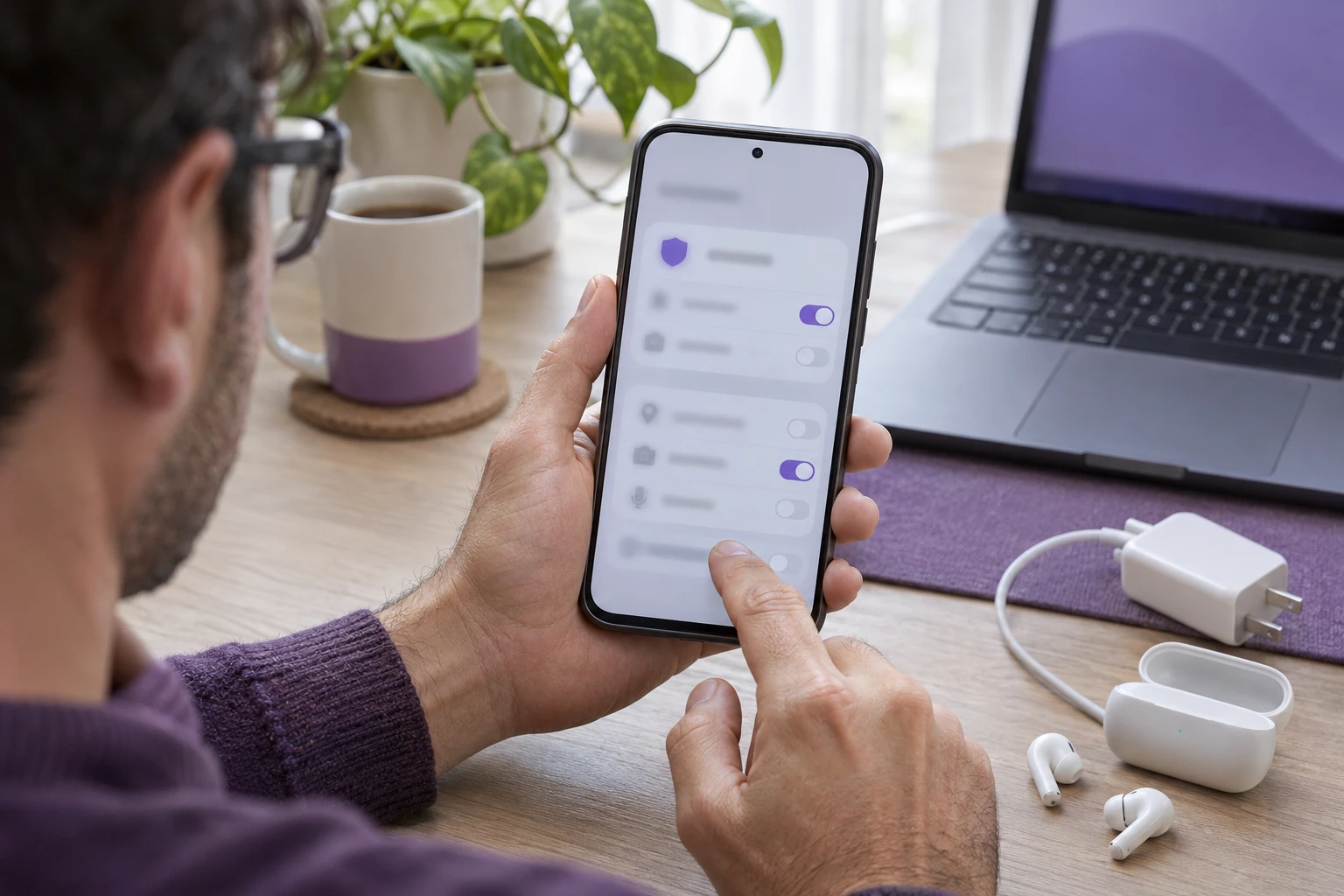
Check the attribution permission for the campaign
On iOS, the App Tracking Transparency prompt offers “Ask App Not to Track” or “Allow.” For campaigns that match the Identifier for Advertisers, denying permission returns a 32 character zero value and can break the match with the original referral click. Check the campaign instructions before launch because providers can use different attribution methods.
Avoid clearing the game's data, switching to another device, or signing into a different account while a claim is open. These actions might be harmless in a particular game, but they can also remove the screen or history you need to explain what happened. If the game offers its own cloud save, make sure your progress is backed up before changing devices.
Run the five point preflight before downloading
In our empirical testing lab, Lead Author Monu verified that completing this five point checklist before downloading a sponsored game prevents more than ninety five percent of tracking drop offs.
- Confirm the title is a first time install. Check your Apple ID, Google Play account, and physical device history. Even a test download from two years ago can leave a store receipt that marks the account as an existing user and disqualifies it from affiliate incentive rewards.
- Disable content blockers and private domain name system filtering. Turn off Safari blockers, AdGuard, Brave Shields, NextDNS, Pi hole, or Cloudflare 1.1.1.1 before opening the offer. Attribution endpoints such as
app.appsflyer.com,tr.adgate.media, andadj.stmust resolve without firewall interference. - Keep the download flow continuous. Do not pause the app store download, switch from Wi Fi to cellular midway, or let the battery die during installation. Maintain an unbroken network session from the offer click through package installation, then launch the game from the app store screen.
- Grant the tracking permission immediately. When the first system prompt appears, tap “Allow.” On Android, confirm in Settings that the Google Advertising ID is active and has not been zeroed out by personalized ad settings.
- Use the first milestone as a canary test. Finish the tutorial and reach an early achievement, such as Chapter 1 or Player Level 3. Wait two hours and inspect offer history in the tasks directory. If it appears as in progress or credited, tracking is working. If nothing appears after four hours, stop rather than spending days on endgame levels before checking the connection.
Compare the milestone tier with its expected sync time
Sponsored game campaigns often increase reward amounts at higher levels. This matrix shows the four standard milestone tiers, the telemetry event behind each one, and the drop cause most often associated with it in our research.
| Milestone Tier | Example Requirement | Telemetry Trigger | Expected Sync Latency | Primary Drop Cause |
|---|---|---|---|---|
| Tier 1: Install and Tutorial | Complete introductory chapter | Measurement partner software development kit initialization handshake | 15 minutes to 2 hours | Tracking permission denied or prior installation detected |
| Tier 2: Early Progression | Reach Player Level 10 or Castle 5 | Client analytics event dispatch | 1 to 6 hours | Offline play or memory cleaner wipe |
| Tier 3: Mid Core Milestone | Reach Level 25 or Town Hall 12 | Server to server publisher postback to the measurement partner | 12 to 24 hours | Advertiser batch sync latency |
| Tier 4: Deep Endgame | Reach Level 50 within 30 days | Publisher anti cheat audit postback | 24 to 72 hours | Attribution window expiration |
Sync latency widens from minutes at Tier 1 to multiple days at Tier 4 because advertisers run automated bot detection on high value milestones to check whether the play pace matches human progression curves rather than automated click scripts.
Recover a milestone with a five step triage
- Verify cloud account binding. In game settings, confirm the profile is linked to Apple Game Center, Google Play Games, or the publisher’s cloud save. Guest accounts can lose telemetry tokens when temporary device caches are purged.
- Force an in game server synchronization. Connect to stable residential Wi Fi, launch the game, and perform an action that writes to the server: open in game mail, visit the store, send a guild chat message, or complete a low energy side quest. Keep the game in the foreground for at least three minutes so the network queue can flush.
- Document the account and time. Capture an uncropped profile screen showing User ID, Account Number, Server Realm, and Player Name. Take a second image of the current level with the device date and clock visible in the status bar.
- Check the attribution window. Reread the offer. A campaign lifespan is typically 21 or 30 calendar days from the initial download. A milestone reached on day 31 is automatically rejected by the advertiser’s postback endpoint.
- File a provider dispute. If 24 hours have passed with no update, open a ticket in the offerwall frame inside the tasks directory. Include the screenshots, your User ID, and the calendar date on which you reached the objective.
Plan game time around the campaign and hold period
Focus on one high yield campaign at a time instead of downloading several games and risking missed deadlines. Map each milestone against its 30 day attribution window and the time you can give it. Under the Reward Rules and Refunds Policy, mobile game milestones have security holds ranging from 24 to 72 hours for early tiers and up to 14 days for top tier rewards while the publisher verifies gameplay.
Use the Reward Points Calculator to enter a target brand, current confirmed balance, and calculate the daily milestones needed to reach the goal within the campaign deadline. Xbox, Apple, and Google Play reward targets are available in the Rewards Catalogue.
Save proof before you continue playing
A milestone claim is clearer when the game screen and offer screen can be compared without guessing. Capture the current offer terms, the offer status, the game profile identifier if the provider asks for it, and the screen showing the completed goal. Keep the images original so the provider can see the full context instead of a cropped number with no game or account around it.

Note the date and local time when the goal appeared complete, along with your time zone. If the task asks for a purchase, use the provider's official form for a receipt and hide payment information that is not needed to identify the order. Never send your password, one time sign in code, or a code that still has value.
In the offer wall, look for a help or history option attached to the specific game. The provider may ask you to choose a missing milestone rather than report the entire game offer. Follow its form closely, attach only the requested evidence, and save the case number after submitting.
A focused message to support
“I started [game] from the [offer name] listing on [date]. The provider timeline stops at [last event], although my game profile now shows [objective and level]. I have included the task conditions and a dated progress image. Can you tell me whether the install and objective are present in the activity record?”
Apple introduced the App Tracking Transparency framework with iOS 14.5. It requests permission to track activity across third party apps and websites. To review the setting, open Settings, then Privacy & Security, then Tracking. Confirm “Allow Apps to Request to Track” is enabled and check the permission for the specific game.
On Android 12 through Android 15, Google Play Services lets users delete the Google Advertising ID. Once deleted, apps that request it receive a string of zeros. On Samsung One UI, Xiaomi HyperOS, and OnePlus OxygenOS, power management may also terminate background network sockets when the game is backgrounded or the battery falls below twenty percent. Exclude the sponsored title from battery saver optimization while completing its milestones.
Before the next campaign, confirm that tracking is allowed and check the campaign deadline. During play, keep the game open when you reach a milestone so progress has time to sync. After you reach the goal, save the dated game screen before moving to another title. That gives support a clear record to compare with the provider’s event history.
Monu
Specialist in mobile offerwall telemetry, Server-to-Server (S2S) postbacks, and physical device test lab audits across iOS and Android hardware.
Sonu
Veteran in anti-fraud heuristics, merchant terms of service, CARD Act gift card regulations, and platform-wide zero-VPN editorial policies.
4-Eye Review Standard: Every guide is cross-examined against primary brand documentation and physical device tests before publication.
Our Editorial PolicyOfficial Sources and Citations
FreeGiftZone maintains a strict editorial standard. Every technical mechanism, attribution parameter, and policy referenced in this guide is cross-verified against primary platform documentation and developer frameworks.
App Tracking Transparency and Identifier for Advertisers Guidelines
Official iOS documentation explaining system tracking prompts, authorization statuses, and the Identifier for Advertisers available to attribution partners.
Android Advertising ID Management and Privacy Sandbox
Technical overview of advertising identifiers that users can reset, strings of zeros when personalization is disabled, and attribution telemetry.
Mobile Gaming Funnel Analytics: Install to Late Stage Milestones
Empirical research on milestone event drop off rates across casual and midcore mobile games.
Unity Gaming Report: Player Engagement & Event Telemetry
Industry benchmarks on mobile player progression velocity, telemetry sync latency, and analytics queue management.