DoorDash Gift Card Guide
Redeem confirmed points for official DoorDash digital gift card codes. The value is added to your DoorDash account wallet and can cover food, delivery fees, service charges, and driver tips.
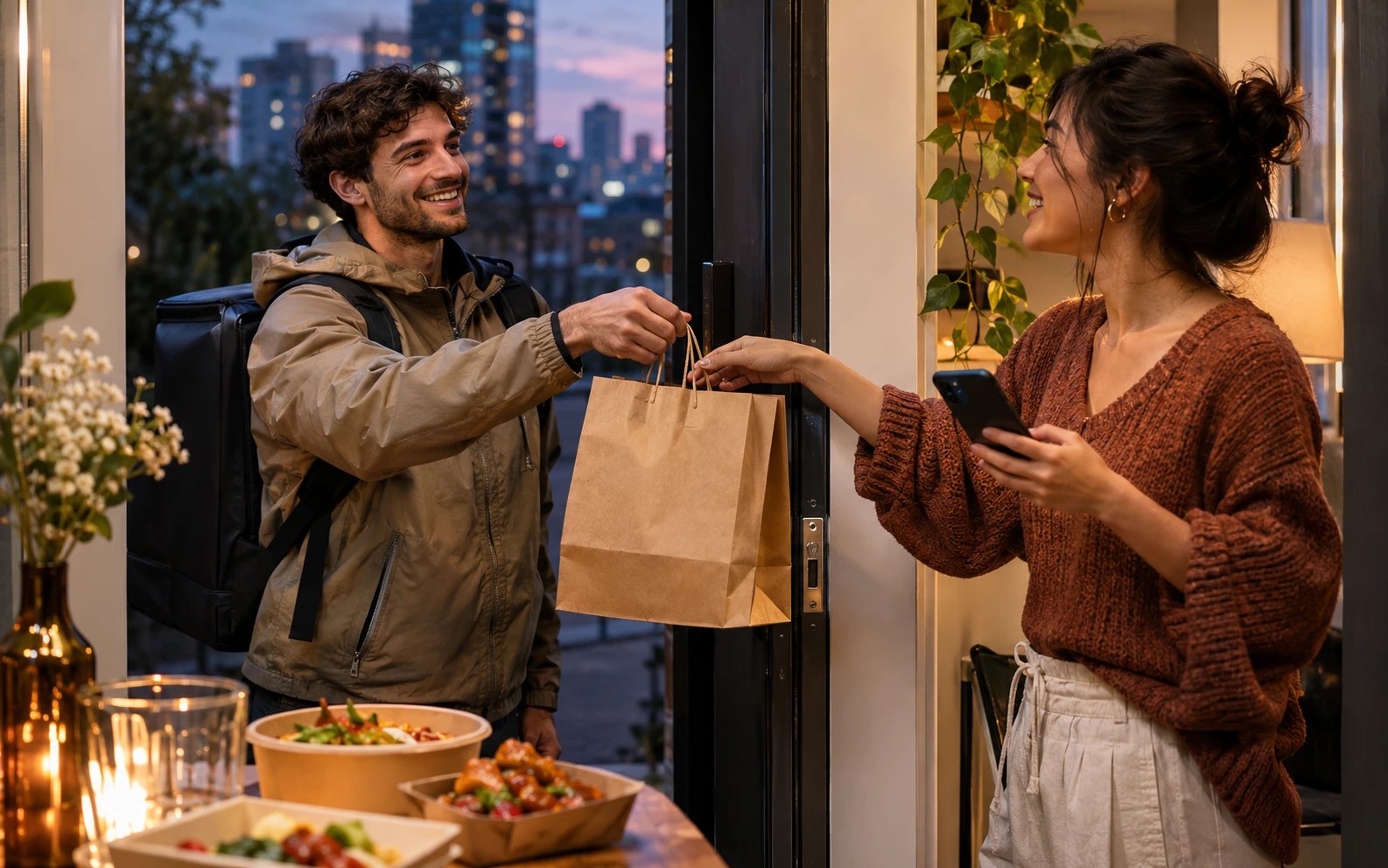
Food delivery and a careful look at the details tied to a reward.
Try a DoorDash Points Example
Example assumption only: 100 points = $1 USD in this display. FreeGiftZone does not currently offer live points or gift card redemption.
Planning Example Only: These values are not current FreeGiftZone reward offers, point prices, or code availability. The task and game pages currently show samples, and live reward screens are disconnected.
Redeem a DoorDash Code
Retrieve 16-Character PIN
Access your FreeGiftZone account dashboard to view your confirmed 16-character DoorDash gift card PIN code.
Codes are confidential; treat them like cash.
Open DoorDash Account Settings
Launch the DoorDash app on iOS/Android or visit doordash.com in your web browser. Click the Account menu icon.
Do not enter the code in the checkout discount box; navigate specifically to the Gift Card menu.
Redeem in Gift Card Wallet
Select "Gift Card" from the account navigation, enter your 16-character PIN, and click Redeem Gift Card.
Your balance will instantly appear under "DoorDash Credits" in your payment settings.
Apply at Checkout
When ordering from your favorite restaurant or grocery merchant, ensure the "Apply DoorDash Credits" toggle is active on the final checkout screen.
Credits automatically cover meal subtotal, delivery fee, service fee, sales tax, and Dasher tip.
Check the Rules for DoorDash
Gift card rules depend on the issuer and country. Check the card and its official terms before redeeming.
United States (USD) (USD $).
DoorDash consumer account located and registered within the United States.
DoorDash gift cards denominated in USD can only be redeemed and spent on orders fulfilled within the United States. They cannot be used on DoorDash Canada, Australia, or New Zealand.
Do not use a VPN while placing food orders; DoorDash uses delivery geo-coordinates and will flag accounts with mismatched IP and physical addresses.
Rules to Confirm
- DoorDash credits cover food subtotal, delivery fees, service fees, taxes, and Dasher tips.
- If your order total (including fees and tip) exceeds your gift card balance, an active secondary payment method (credit/debit card, Apple Pay, PayPal) is required on file to charge the difference.
- Cannot be used to purchase additional DoorDash gift cards or third-party gift cards.
- Credits cannot be transferred between DoorDash user accounts once redeemed.
Common DoorDash Code Problems
| Message or symptom | What to check | Next step |
|---|---|---|
| DASH-PROMO-CONFUSION Invalid Promo Code at Checkout | Attempting to enter the gift card PIN into the "Promo Code / Discount" coupon box on the cart checkout page rather than the account wallet. | Navigate to Account > Gift Card > Redeem Gift Card. DoorDash maintains strict separation between marketing coupons and monetary gift card balances. |
| DASH-ALREADY-CLAIMED Gift Card Already Redeemed | The PIN was previously deposited into your DoorDash account or another household account. | Check your DoorDash Credits balance under Account > Payment Methods. If credits are present, they will apply on your next order. |
| DASH-GEO-RESTRICTION Currency or Geographic Mismatch | Submitting a USD gift card on a device connected to an international storefront or ordering outside the US. | Ensure your delivery address and device app are set to the United States. USD cards are non-transferable to foreign currencies. |
| DASH-INSUFFICIENT-FUNDS Secondary Payment Method Required | The total order amount exceeds the gift card balance by any margin, but no backup card is linked to settle the remainder. | Add a secondary payment method to your DoorDash account, or reduce items in your cart to stay within your gift card credit limit. |
Related Guides
Frequently Asked Questions: DoorDash Rewards
Can I tip my Dasher using a DoorDash gift card?
Yes! DoorDash allows your gift card credits to cover the full order total including driver tips, provided your credit balance is sufficient.
Can I use DoorDash gift cards for DashPass subscription billing?
Yes, your DoorDash Credits will be applied to DashPass monthly subscription charges if sufficient funds exist, although a valid backup payment card is always required for recurring subscriptions.
What is the minimum points requirement for DoorDash on FreeGiftZone?
Our DoorDash reward starts at $15 (1,500 points), making it perfect for quick lunch or dinner deliveries.